Manage Reviews Across Platforms That Matter
Reach customers on the platform they trust most and turn more requests into 5-star reviews that strengthen your online presence.
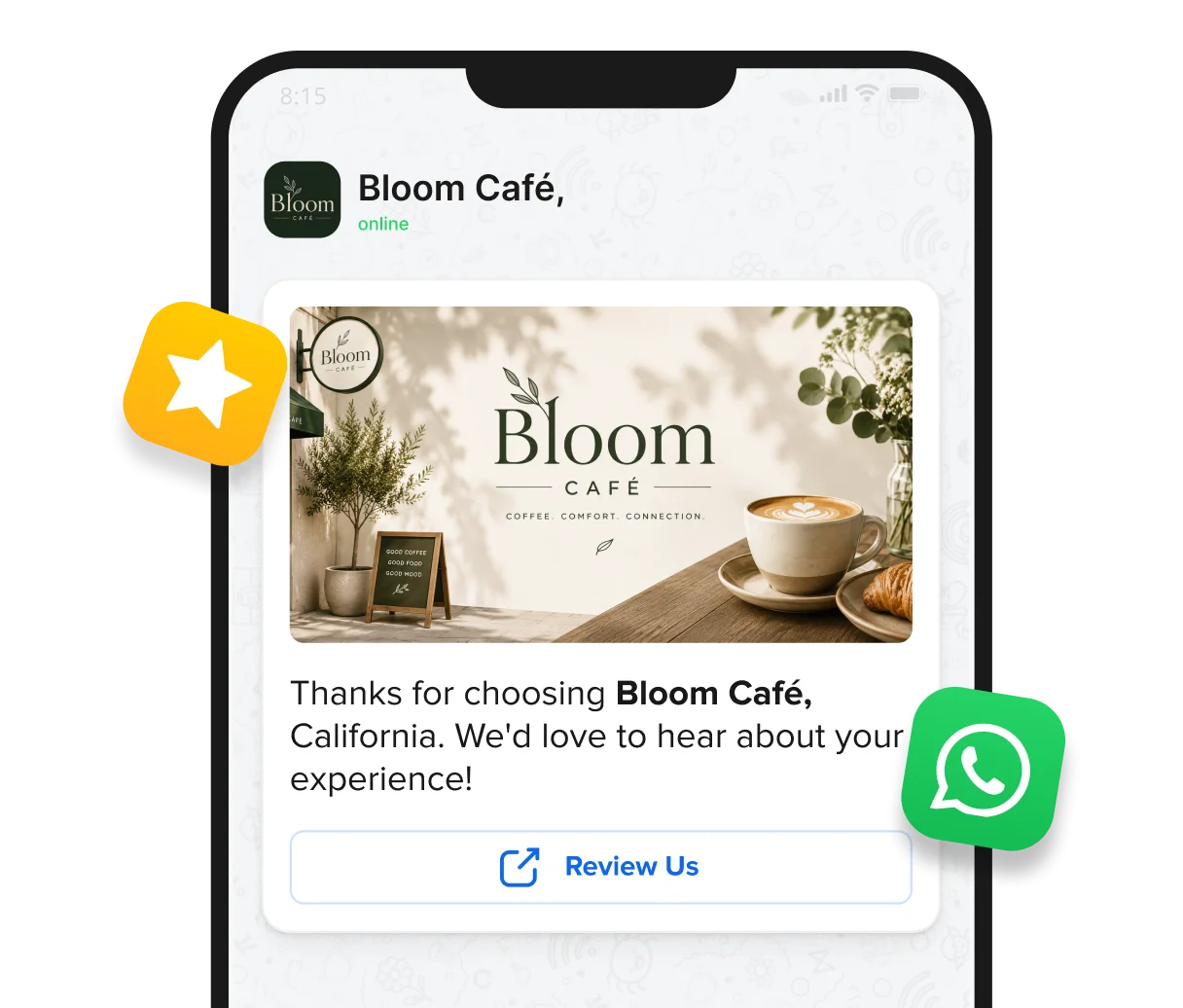
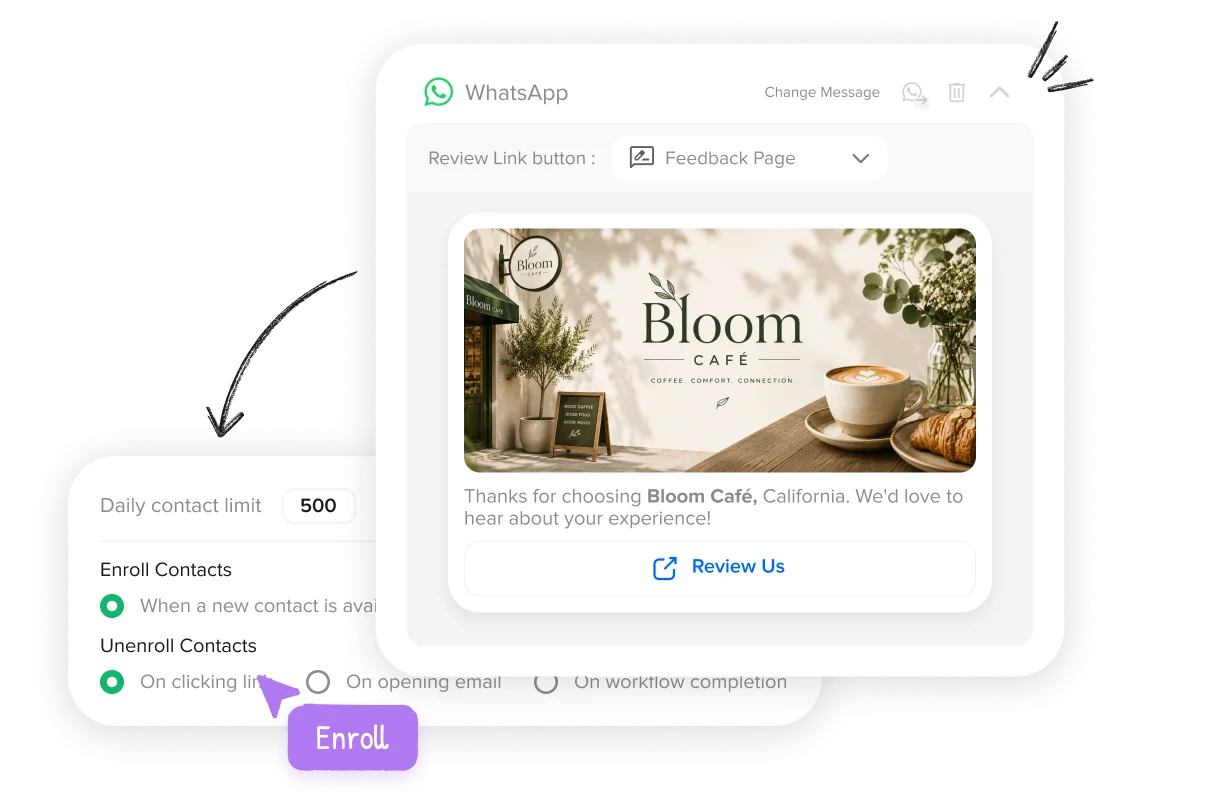
Enroll new contacts into WhatsApp review campaigns automatically as your customer base grows. Turn every new customer into another opportunity to generate reviews.
Build a Meta-approved WhatsApp message right inside SP Reviews, personalized automatically with each customer’s name, brand, and location.


Check Meta quality rating, messaging limits, and account status inside SocialPilot Reviews. Monitor your sending capacity as WhatsApp reach and usage grow.
Get clear visibility into WhatsApp connection health with status indicators and alerts. Maintain dependable review generation across campaigns.


Set brand-level intervals with Duplicate Review Prevention across campaigns. Control request frequency to protect trust and avoid over-contacting customers.
Manage WhatsApp review campaigns across brands and locations from one account. Scale review generation while keeping every business organized.

See how WhatsApp helps more customer moments become reviews.
WITHOUT WHATSAPP
The Review Moment Slips Away
WITH WHATSAPP
More Happy Moments Become Reviews
Manage Reviews Across Platforms That Matter

Send every request with confidence, knowing exactly what customers will see, with SocialPilot Reviews.

No. WhatsApp is an additional medium inside the same campaign. You can use it on its own or alongside the other communication options already available.
You need a WhatsApp Business account connected through Meta. One WhatsApp Business account can be connected to each brand.
SocialPilot Reviews pauses the affected WhatsApp activity and notifies the account owner or admin. It resumes after the account is reconnected.
Yes. Messages must be approved by Meta before they can be selected for a live campaign. You can create, submit, and track them from the WhatsApp Messages Library.
Yes. You can personalize messages with customer, brand, location, and address details.
Yes. You can preview an approved message and send a test WhatsApp message to a phone number before using it in the campaign.
Yes. WhatsApp Messages can use text, image, video, document, or no header.
No. The WhatsApp Message directs the customer to the review link or feedback page selected while creating the message.