Manage Reviews Across Platforms That Matter
Generate high-value customer reviews at a lower cost with automated email campaigns that help drive more revenue.
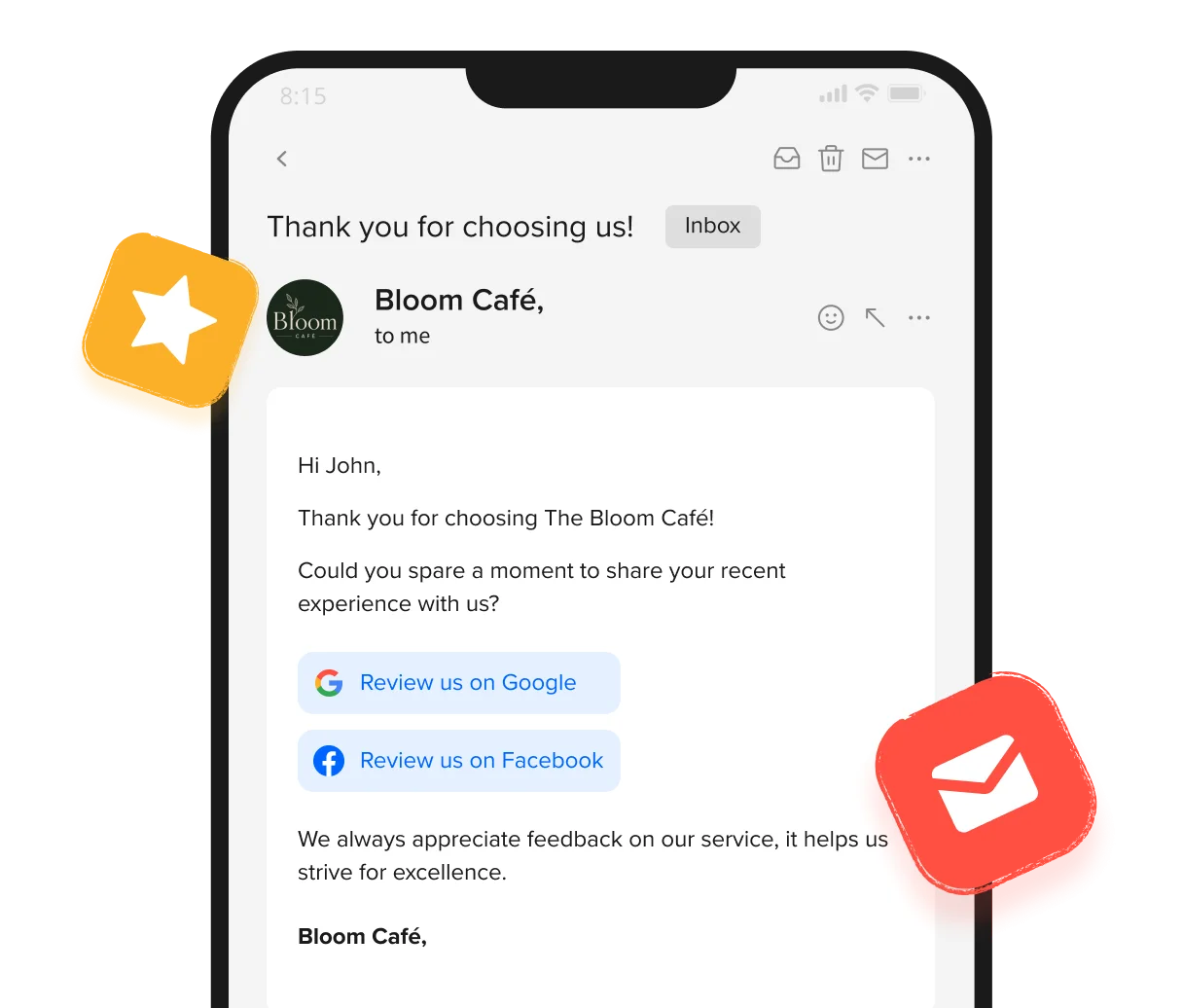
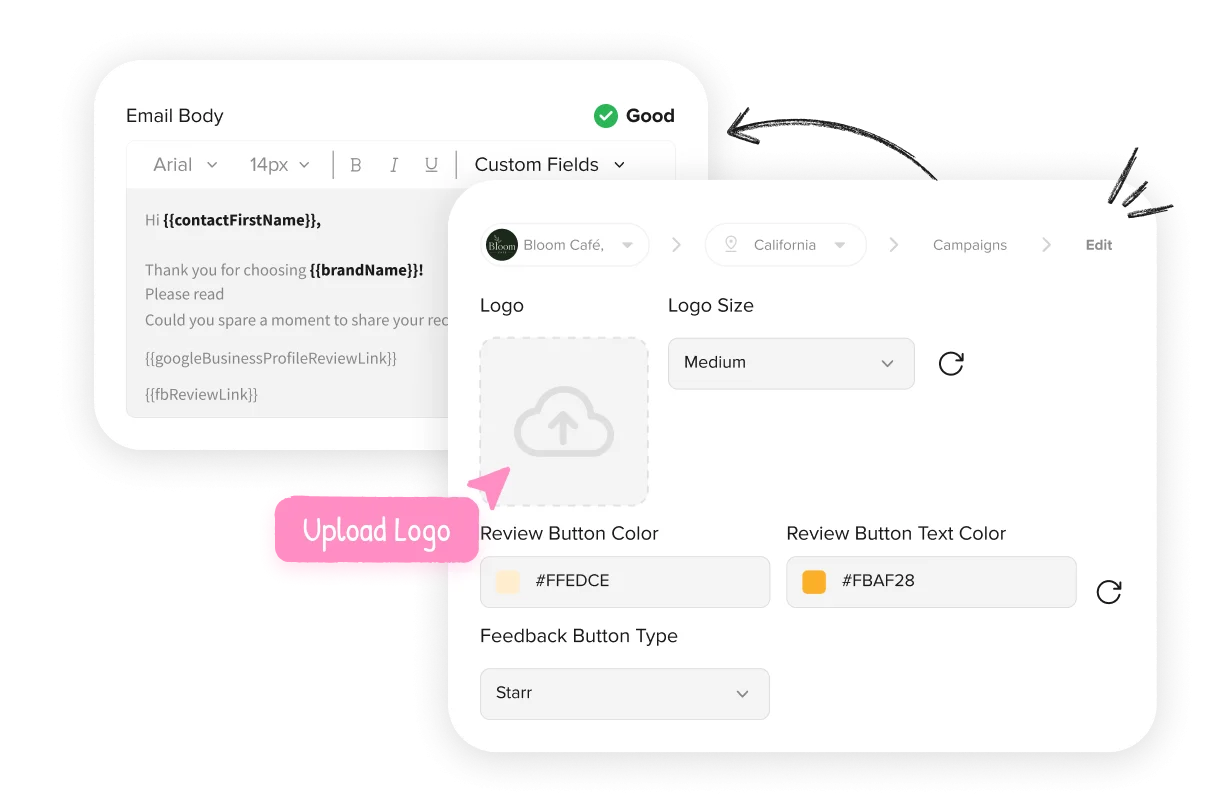
Customize review requests with your business name and logo. Keep every email consistent with the brand customers already know.
Use the built-in spam check to flag problematic language and filter suspicious addresses. Reduce delivery issues and keep email campaigns more reliable.


Add contacts manually, in bulk, or through your connected CRM. Automated email campaigns turn a growing customer base into a steady source of reviews.
Stop overlapping campaigns from reaching the same customer with Duplicate Review Prevention. Keep your review outreach thoughtful and consistent.


Save your winning campaigns as Campaign Templates. Replicate them across locations or brands to scale review generation faster.
Create custom Feedback Forms around the questions that matter. Use them across campaigns to collect consistent feedback your business can act on.

See what changes once a review request actually reaches someone.
Without SocialPilot Reviews
Miss Out On Most Review Opportunities
Turn More Requests Into Actual Reviews
Turn More Requests Into Actual Reviews
Manage Reviews Across Platforms That Matter

Send review request campaigns by email and build the reputation that gets you your next customer.

No, it won't replace anything. It just adds another way to reach customers, so it runs right alongside any SMS or WhatsApp requests already part of the same campaign.
Through Quick Request. It sends the email right away to whichever customer or group is chosen, using a message that's already saved, so there's nothing to write from scratch each time.
Yes, and it happens on its own. The customer's name, the brand, and the location all get added to the message without anyone typing them in each time.
No, the email just links out. It takes the customer to whichever review page was chosen when the request was set up, like Google or Facebook.
An automated reminder can follow up after a set interval, so the request gets another chance without anyone having to send it manually a second time.
Yes, through a connected integration like Salesforce or HubSpot, so new contacts don't have to be added by hand one at a time.
That depends on the plan. Each email sent uses one credit from the monthly allowance that comes with it.