Semplificare la programmazione di Twitter e
Pubblicare senza sforzo
Calendario X Messaggi
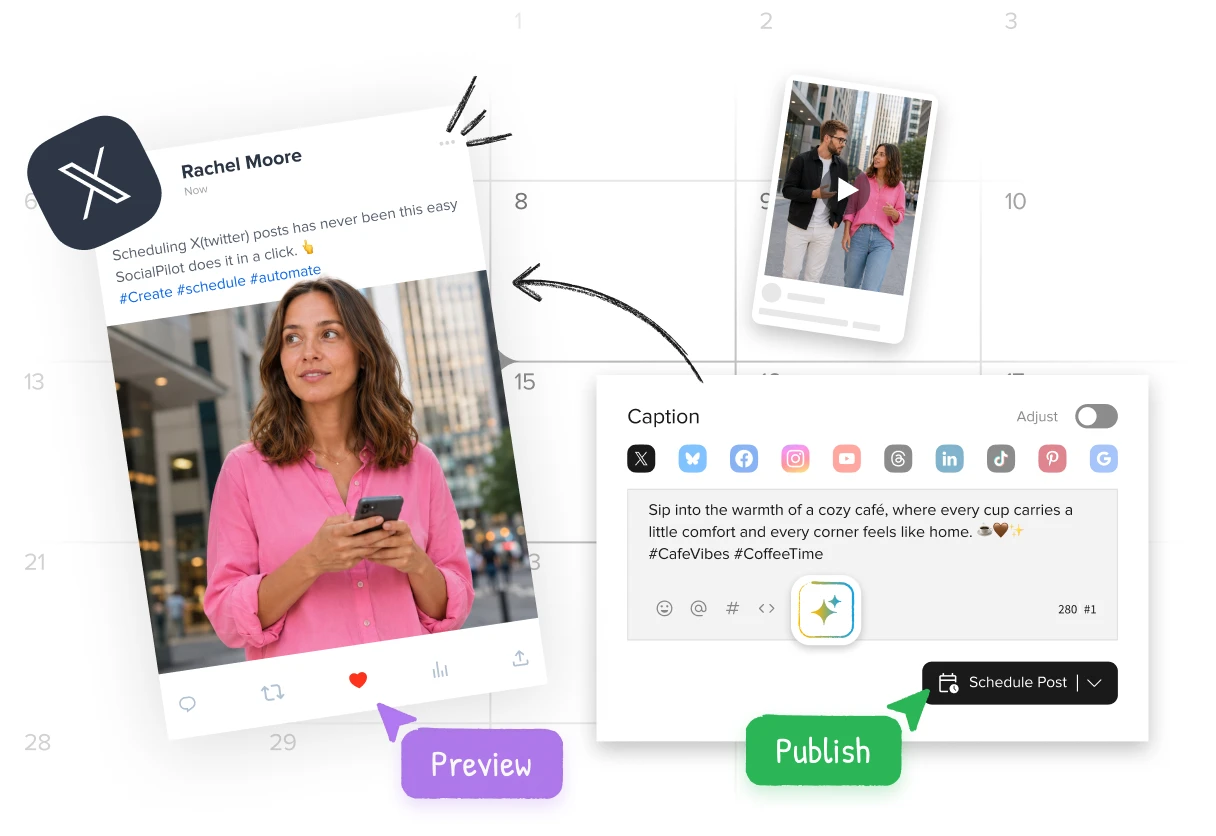
Publish tweets at right times and gain maximum traction from your Twitter (now X) presence.
Trusted by 15,000+ businesses and creators






Programmate e pubblicate i vostri tweet per un coinvolgimento quotidiano o per campagne di marketing appositamente studiate con queste funzioni.
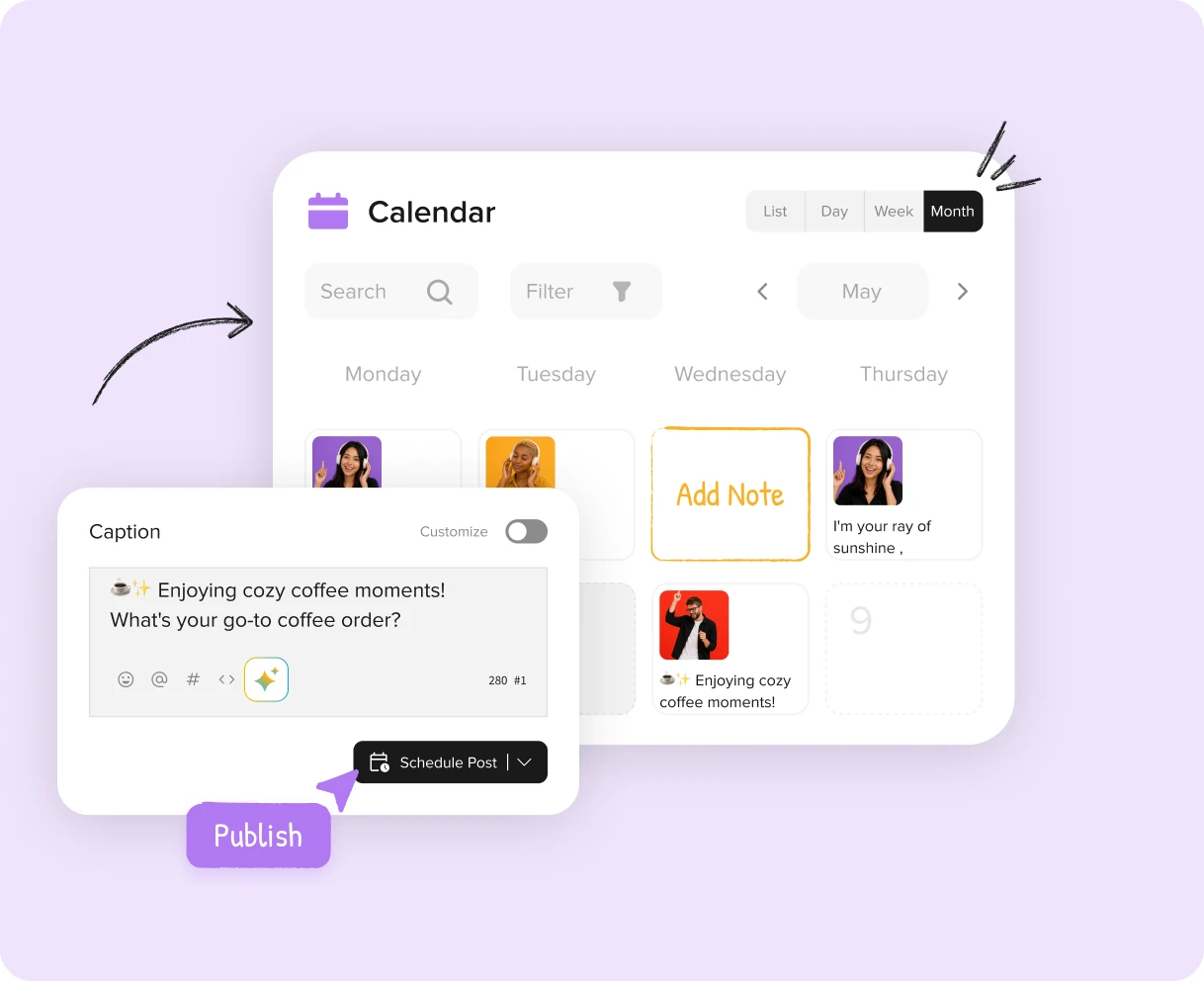
Pianificate i vostri tweet in anticipo e seguiteli con la vista Calendario della vostra attività di Twitter giornaliera, settimanale e mensile con pochi clic.
Con la programmazione di massa, potete pianificare una settimana di contenuti, un calendario di un mese, un semplice flusso costante di tweet per una campagna o programmare fino a 500 tweet in un colpo solo con pochi semplici clic.
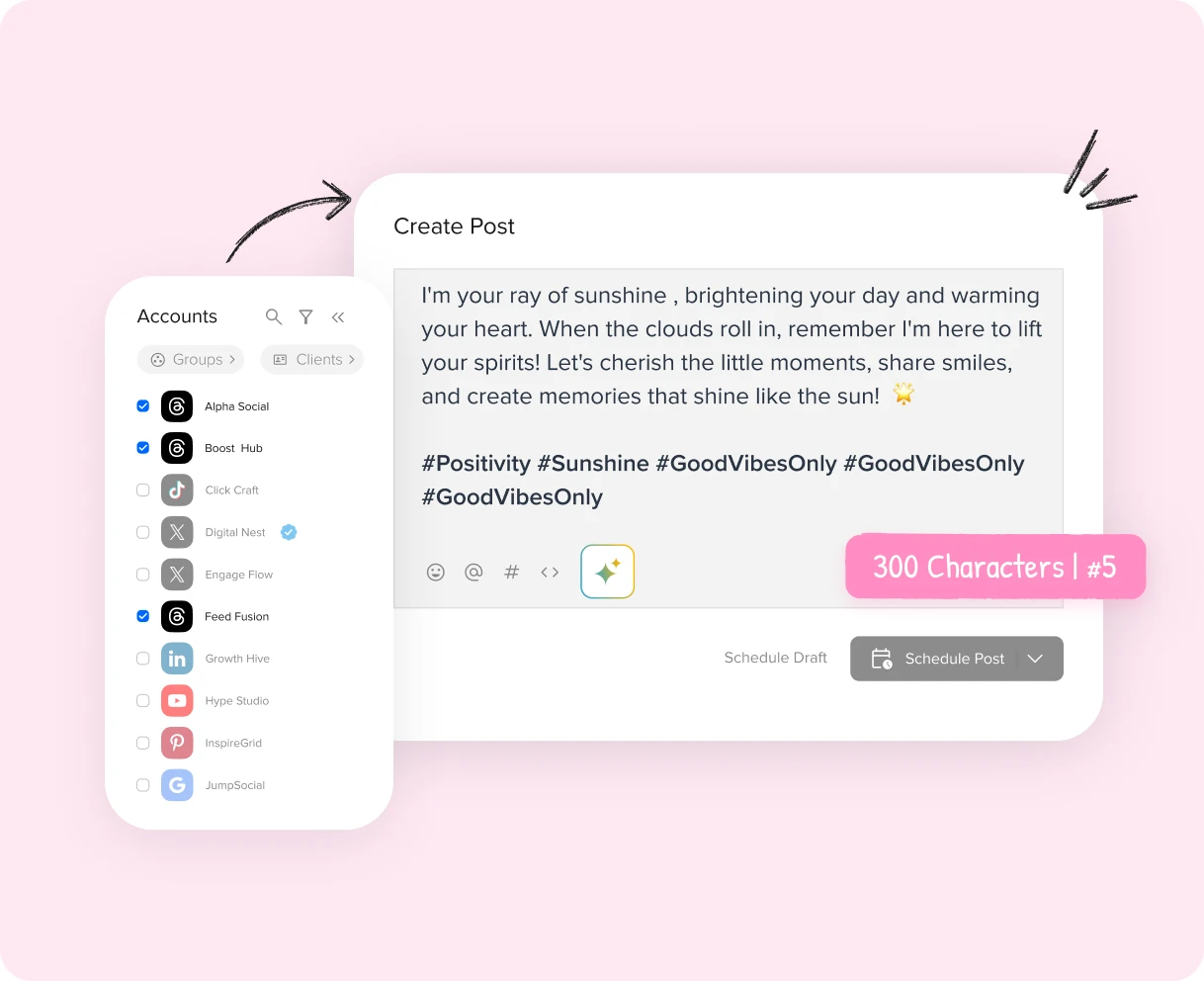
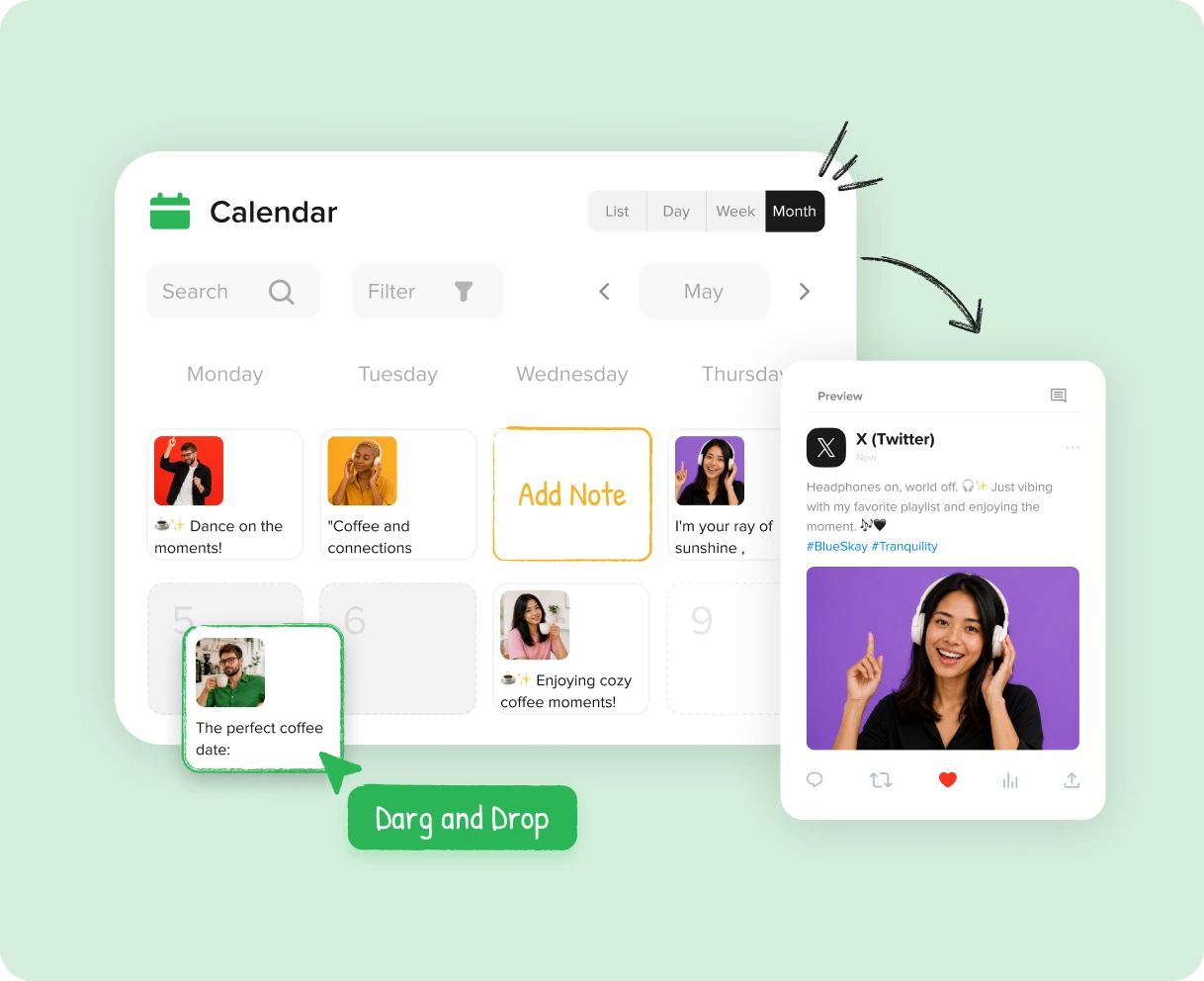
Pianificate i contenuti in anticipo con il calendario intelligente dei contenuti. Grazie alla funzione drag-and-drop, è possibile spostare facilmente i tweet programmati in diverse fasce orarie del calendario.
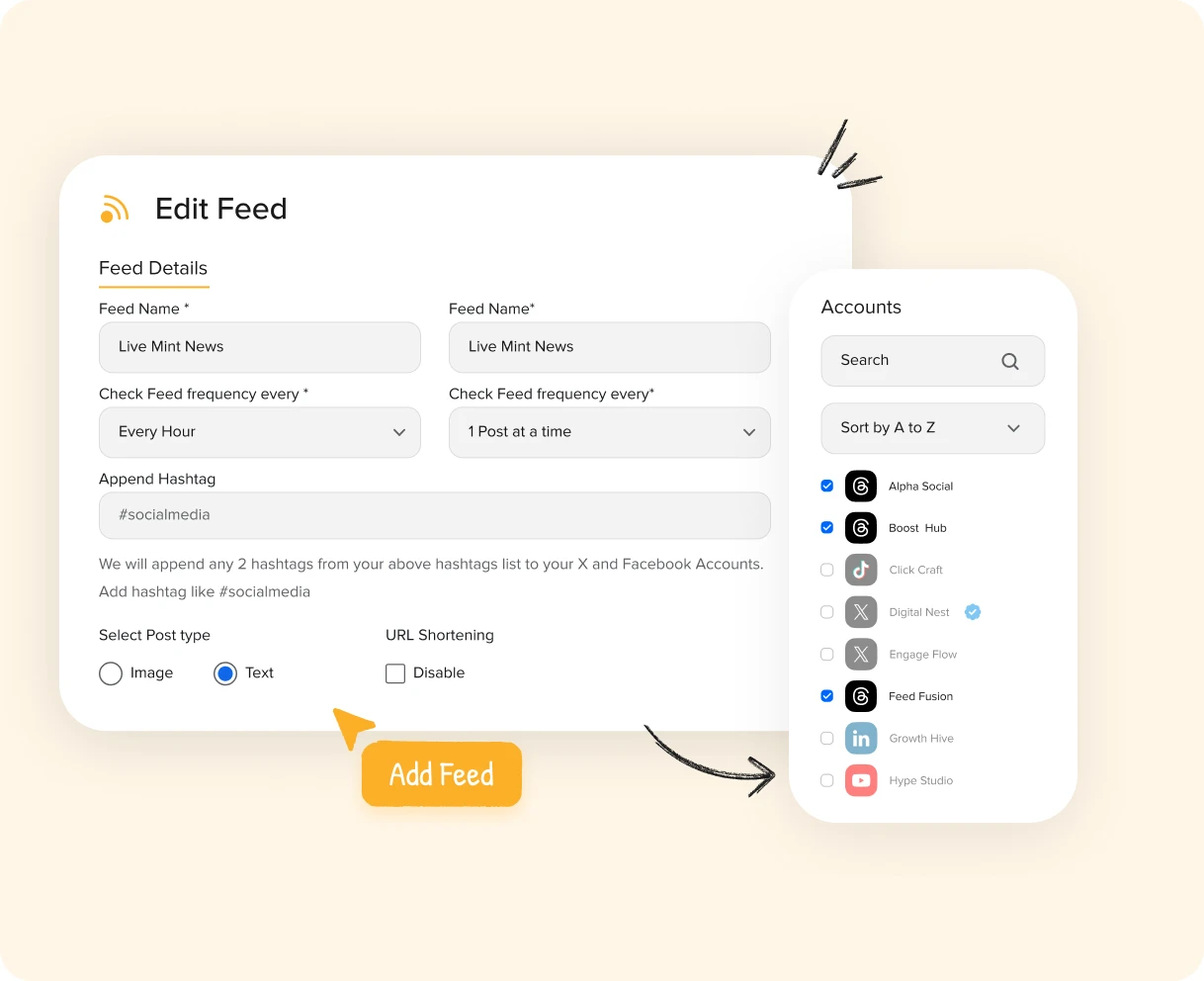
Intrattenete il pubblico e attirate nuovi follower sul vostro feed dinamico e informativo. I feed RSS automatizzati garantiscono un aggiornamento costante del feed di X (ex Twitter).
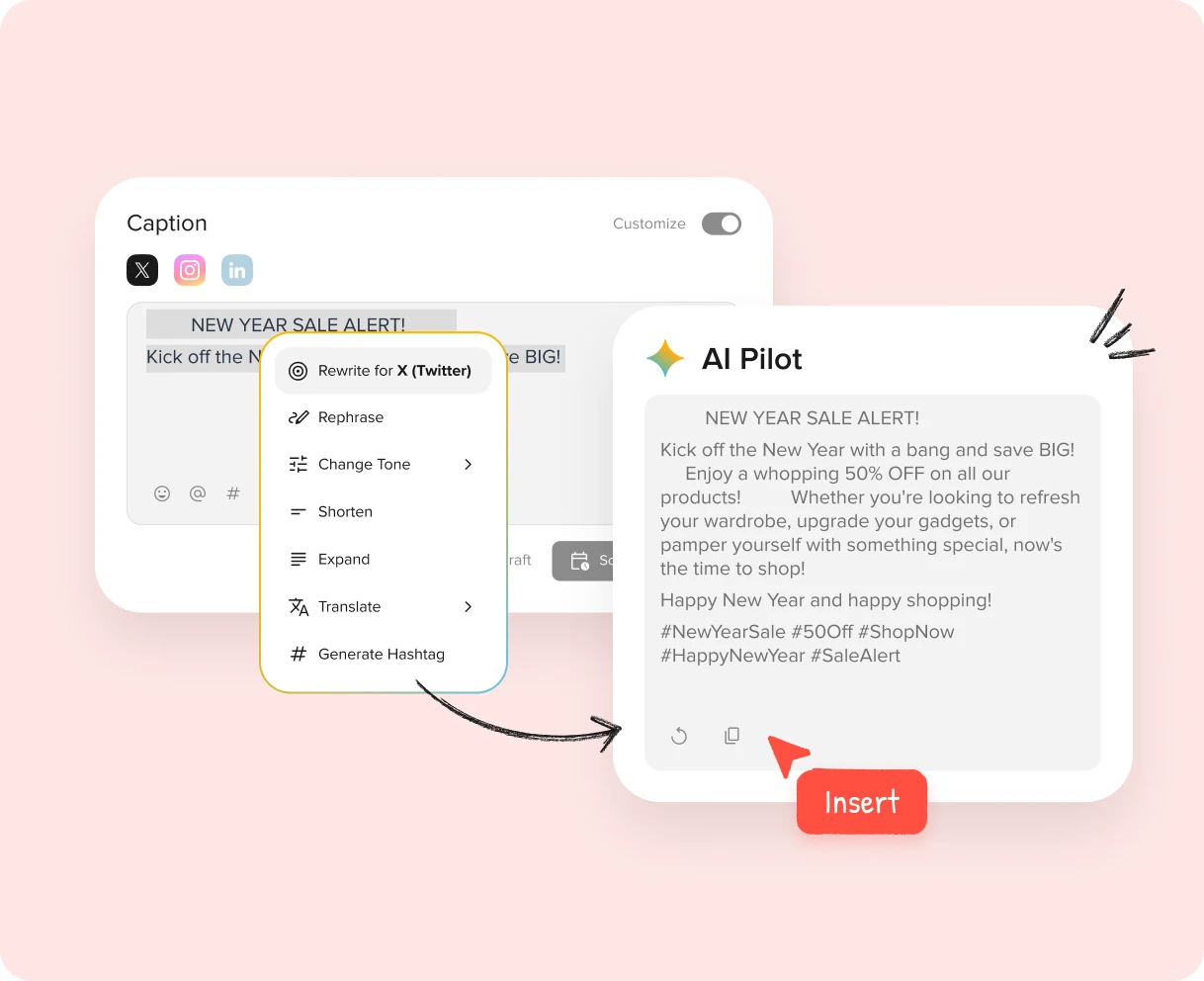
Generate tweet e thread degni di viralità e riempite il vostro calendario di contenuti in pochi secondi con AI Pilot. Riproponete i vostri contenuti più performanti e risparmiate tempo per il brainstorming.
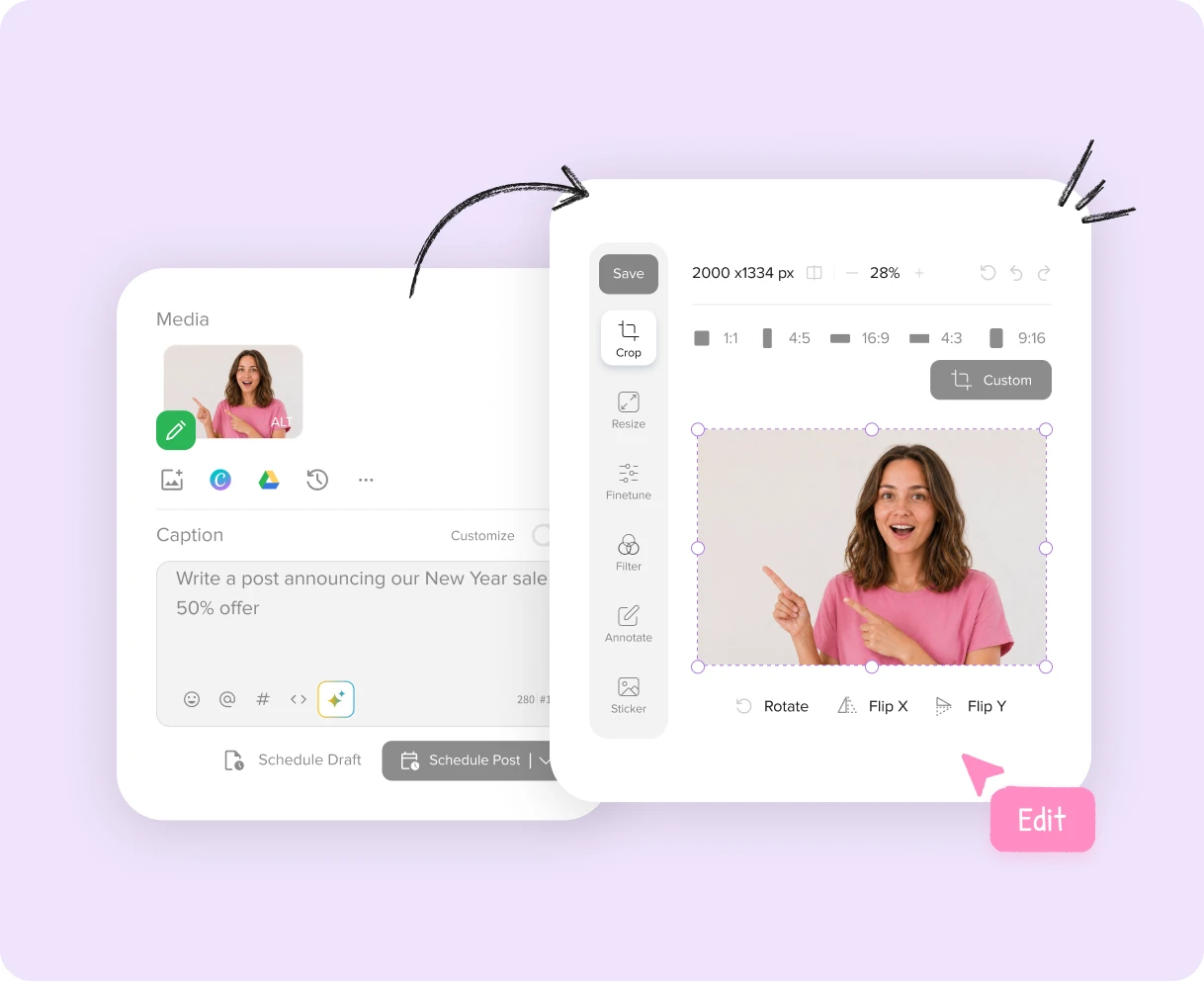
Una volta importate le immagini, è possibile modificarle direttamente all'interno della nostra piattaforma con l'editor di immagini integrato e personalizzare i contenuti in modo creativo senza bisogno di strumenti aggiuntivi.
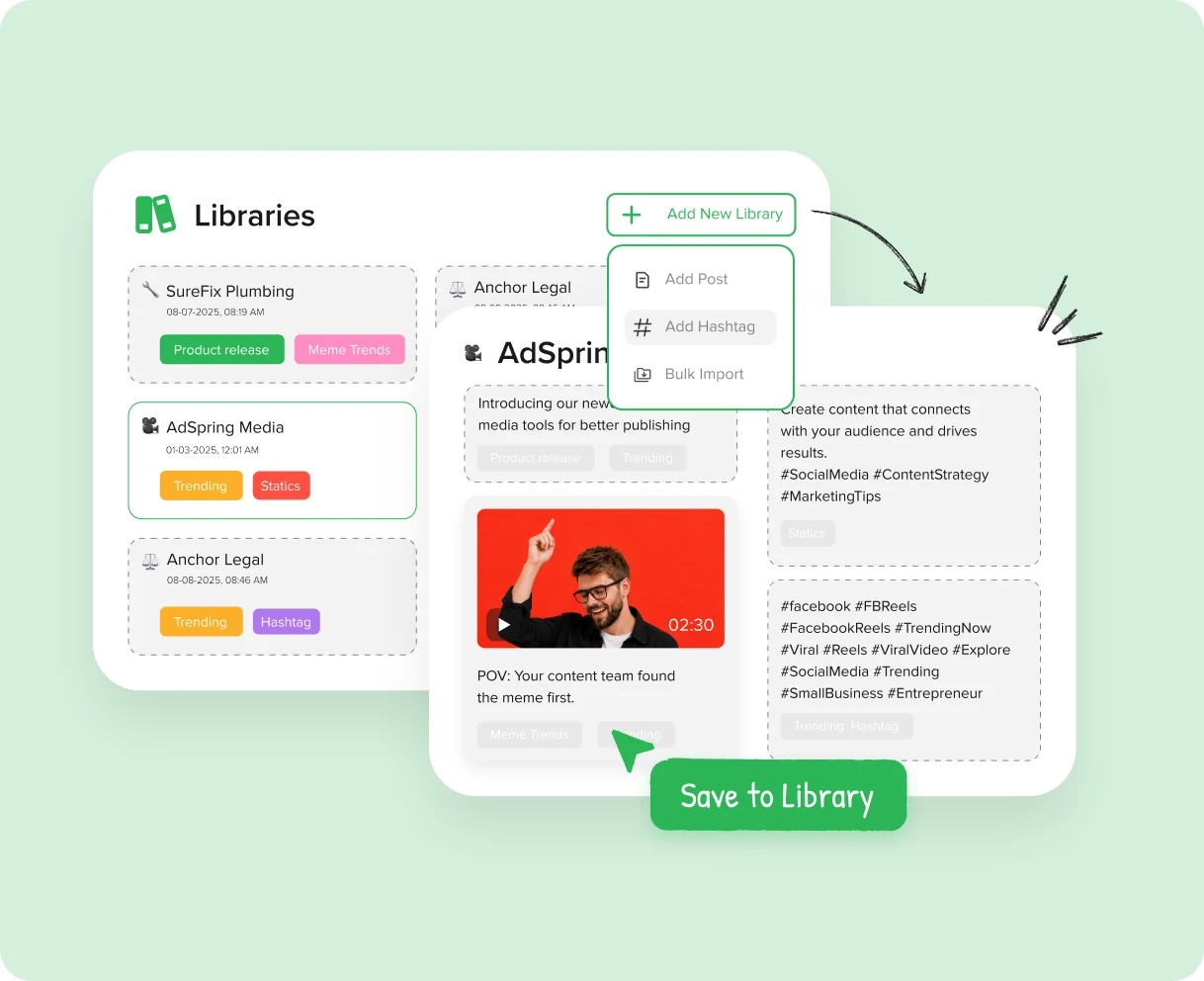
Invece di creare manualmente i tweet e aggiungere gli hashtag ogni volta che si pubblica, è possibile salvarli per un uso futuro o per riutilizzarli all'interno della Libreria dei contenuti.
AI Suggested Time reads your Twitter (X) engagement trends and recommends ideal posting slots so your tweets go live when your audience is active.
La rilevanza svanisce rapidamente. Il giusto tempismo vi mantiene nel feed.

Assicuratevi che i vostri contenuti siano in linea con gli argomenti di tendenza.

Analisi
Accedete a metriche preziose e ottenete informazioni sull'andamento delle vostre pagine Twitter grazie a rapporti analitici dettagliati.

Personalizzazione del marchio bianco
Personalizzate l'aspetto dello strumento e dei report di Analytics in base ai colori del vostro marchio.
SocialPilot has emerged as the preferred social media management tool for more than 15000 customers.

Dopo aver trascorso 3 settimane a confrontare gli strumenti di pianificazione dei social media, SocialPilot è emerso come l'opzione migliore. opzione migliore. Supera Hootsuite e Buffer in termini di valore, costo e assistenza clienti eccezionale. assistenza clienti.


Jenna D.
Fondatore & Esploratore della Comunità | Vita a Düsseldorf

Alexis Armour
Modello presso Chantale Nadeau
Il prezzo non può essere battuto e l'incredibile servizio di assistenza clienti che si ottiene quando si verificano problemi tecnici. Ho utilizzato Hootsuite e SocialChamp e non si avvicinano neanche lontanamente a a SocialPilot.

Robin A.
Titolare dell'agenzia | Birdhouse Marketing & Design
Consiglio vivamente questa opzione economica! Supera Hootsuite fornendo fornendo analisi preziose per i clienti. La programmazione dei contenuti è un gioco da ragazzi e la funzione di funzione degli orari suggeriti è utile.

Victoria Y.
Presidente fondatore | Consulenti Red Ball
Consiglio vivamente questa piattaforma! A differenza di Hootsuite, posso gestire con sicurezza più account account senza preoccuparmi di fatture a sorpresa. Le statistiche e le analisi impressionanti rendono il reporting ai clienti un gioco da ragazzi.

Juan O.
Direttore marketing digitale | The Click Town

Nathan Gesner
Broker immobiliare
SocialPilot ha la gamma completa di funzioni di cui la nostra azienda ha bisogno per realizzare ciò che vogliamo, in modo semplice ed efficiente. di realizzare ciò che vogliamo, in modo semplice ed efficiente. Per non parlare dei significativi risparmi sui costi anche il risparmio sui costi.

Jaimie C.
Professionista del marketing
Con tutti i social network comodamente gestiti in un unico posto, ci aiuta a ottimizzare il nostro tempo, un aspetto cruciale per noi. aspetto cruciale per noi. Gli aggiornamenti costanti con funzionalità essenziali aumentano ulteriormente il suo fascino.

Bradford J.
Responsabile gestione progetti | DAS42
Il passaggio a Social Pilot ha cambiato le carte in tavola. La mia precedente app di pianificazione non supportava Instagram, il che era una seccatura. Ora, ogni piattaforma di cui ho bisogno è a portata di mano con SocialPilot.

Penny W.
Scrittore freelance | PennyWilliamsWriter

Catherine Coffey
Specialista marketing | Cahaba Medical Care
Non potrò mai raccomandare abbastanza SocialPilot. L'interfaccia utente è un vero gioiello, straordinariamente semplice e intuitivo. semplice e intuitiva. È una soluzione economica senza compromettere la qualità o la funzionalità. qualità o funzionalità.

Heather W.
Manager Marketing Distribuzione e Design | Greenphire
Altamente raccomandato su G2

Scalate le vostre iniziative di social media marketing con funzionalità progettate per la vostra azienda.

Gestite internamente tutti i vostri canali di social media, garantendo un'esperienza senza problemi.

Utilizzate funzioni avanzate per personalizzare e distribuire contenuti su larga scala in modo efficiente.

Lavorare in modo collaborativo con i team di ogni sede per creare e condividere i contenuti.
State iniziando un nuovo account? O volete raggiungere più persone? Abbiamo pensato a voi con consigli e idee per aiutarvi a crescere.

Come utilizzare Twitter per un marketing aziendale di successo?
 Sparsh Sadhu
Con il nuovo e rinnovato X, è necessario reimparare a usare Twitter...

Le comunità di Twitter: Che cos'è e 7 modi per utilizzarle
 Sean Davis
Svela i segreti delle community di Twitter con approfondimenti pratici che ti permetteranno di coltivare un...
 Monika Ahuja
Sfruttare il momento migliore per postare su Twitter e padroneggiare l'algoritmo per...
Sì, potete programmare i vostri tweet per qualsiasi data e ora utilizzando SocialPilot. I tweet verranno pubblicati automaticamente alla data e all'ora prescelte.
Programmare i vostri tweet è facile e semplice per tutti. Ecco come programmare i vostri tweet:
Ora, il vostro tweet verrà pubblicato automaticamente all'ora specificata.
Sì, SocialPilot consente di programmare fino a 500 tweet per i vostri account Twitter tramite un file CSV. Ecco come fare:
Avete programmato con successo i vostri post.
Il nostro cellulare, appena ridisegnato, rende la programmazione dei tweet un gioco da ragazzi. Potete scaricare la nostra app dal Play Store e dall'App Store. Seguiteci:
Avete programmato i vostri post su Twitter su mobile.

Mantenete il vostro feed Twitter sempre attivo automatizzando i tweet con SocialPilot.