
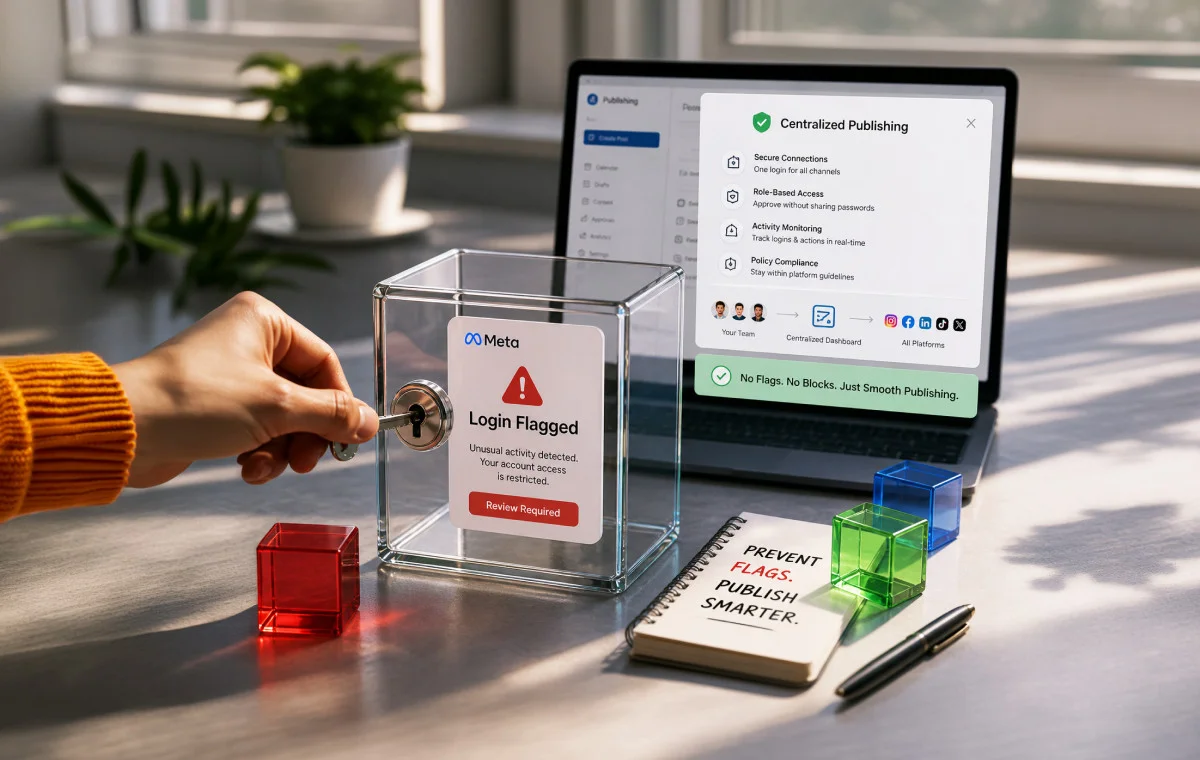
The client whose account just got restricted? They hired you so they wouldn’t have to think about this.
That’s the part that stings. Not the technical problem. The professional one.
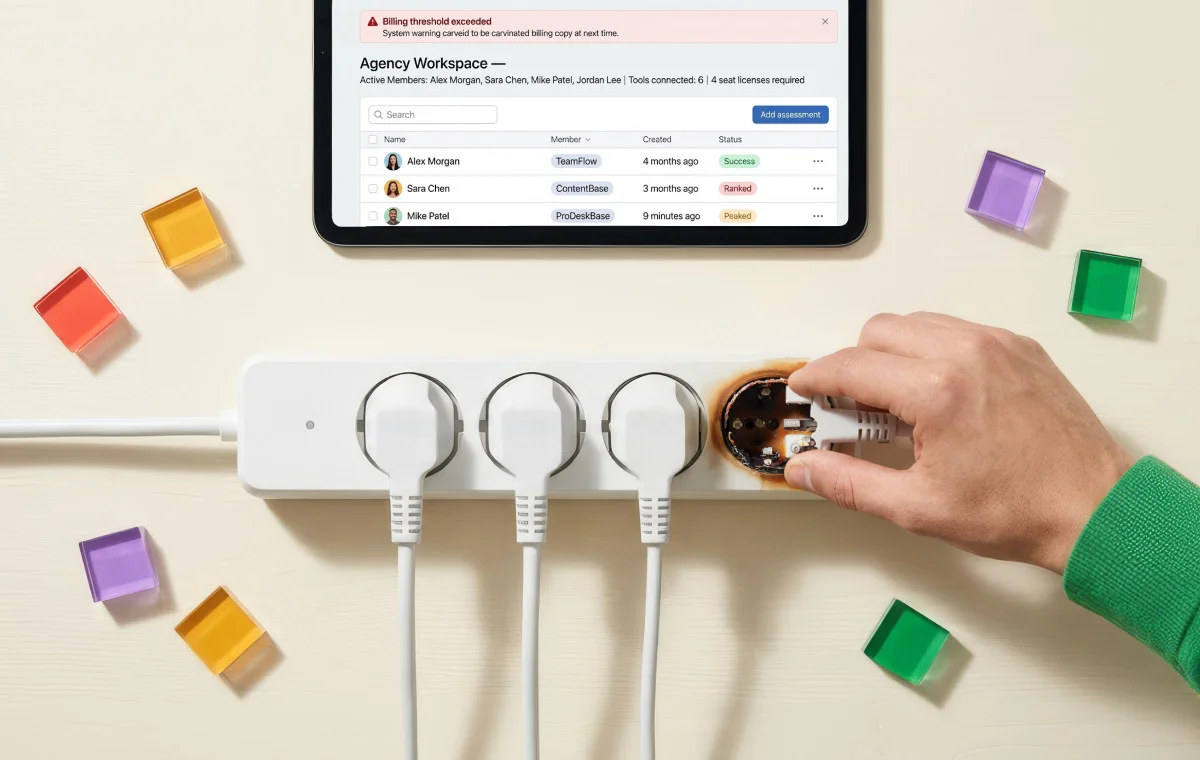
You built access workflows, onboarded a team, and distributed the work the way any growing agency does. And at some point, quietly, Meta’s security system looked at all of it and decided your agency looks exactly like a breach.
It flagged you. Not because you did something wrong. Because it cannot tell the difference between seven people doing legitimate work and seven people running a coordinated fraud operation on a stolen account.
The behavior is identical to the machine. The consequences are not identical to you.
We’ve watched this play out across agencies of every size. The ones that avoid it aren’t doing anything complicated. They’ve simply stopped giving Meta’s system something to read.
Why Your Agency Looks Like a Hacked Account
Meta’s security AI has one job: find behavioral patterns that don’t belong on a legitimate account. Logins from new locations. Multiple IP addresses on the same account. Unfamiliar devices. A new admin appearing alongside an unrecognized login location. (Meta Transparency Center, 2026)
For a solo brand manager, those signals mean one thing: breach.
For an agency like yours, those signals describe a normal Tuesday.
Your team is remote. They log in from different cities, different networks, different devices. Your office means multiple client accounts are accessed from the same IP address, which is precisely the pattern used by fraudsters running coordinated campaigns across stolen accounts. (Multilogin Academy, 2026)
Meta’s system doesn’t have a category for “agency.” It has patterns, and yours match the wrong one.
The restriction isn’t a malfunction. It’s the system working exactly as designed, on a platform that was never built for how agencies actually operate.
What Goes Down With It
Here’s what most agencies don’t realize until it happens: a Business Manager restriction isn’t account-level. It’s portfolio-level.
When Meta restricts a Business Manager, every asset connected to it gets pulled simultaneously: every ad account, every Page, every payment method, every pixel. According to Meta’s own enforcement guidance, all users tied to that Business Manager lose access in the same move. (Meta Business Help Center, 2026)
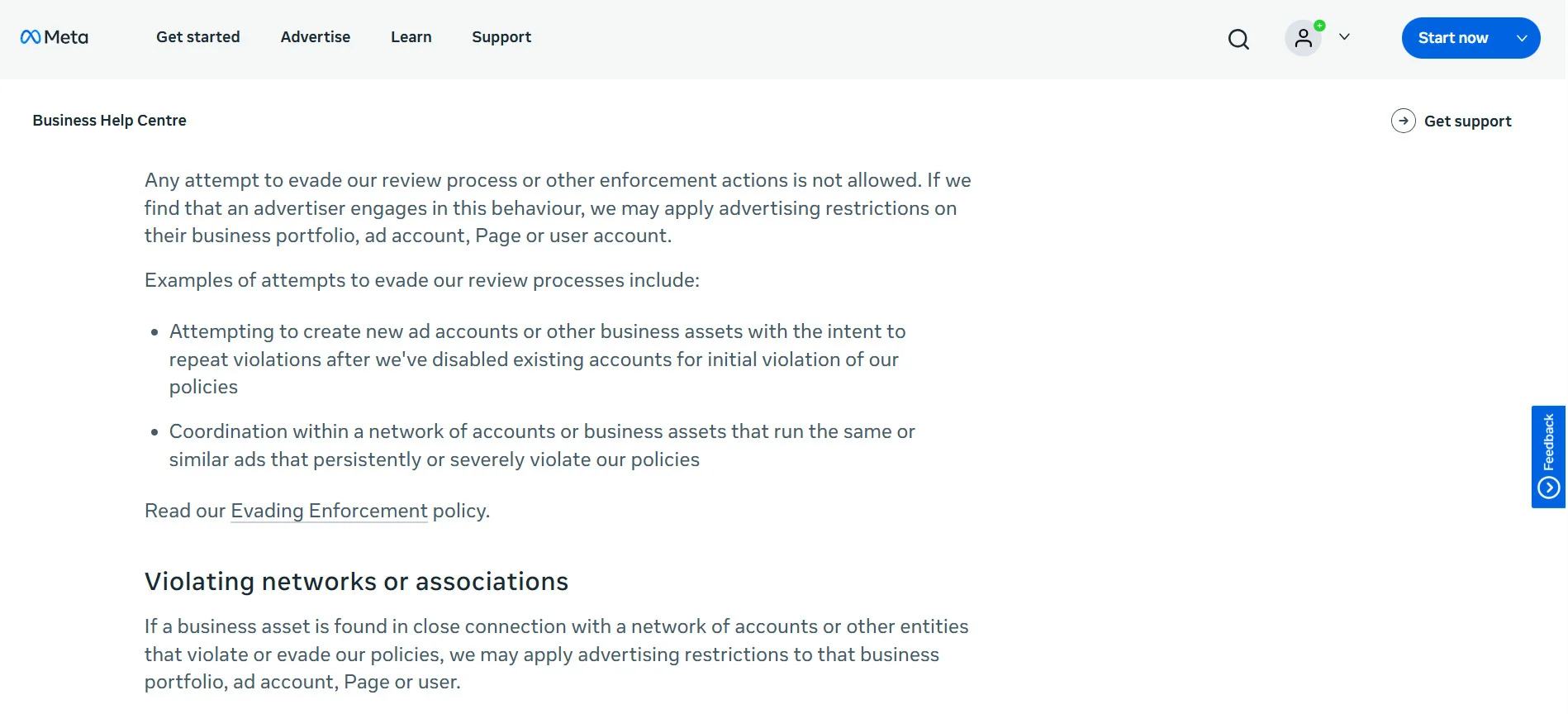
For an agency managing ten clients through one Business Manager, a single flagged login pattern is a ten-client event.
The appeal process compounds it. One agency documented exactly this:
“You cannot appeal a login ban from behind a login screen.” (Mojo Dojo, 2026)
Meta’s enforcement runs on automated systems at a scale that has no reliable path to a human reviewer for most account-level restrictions. (Meta Transparency Center, 2026) The same agency watched team members clear full identity verification — government ID, driver’s license, birth certificate, and face scan. Still had accounts banned within hours.
It’s not an isolated experience. In a thread on r/marketing, a user wrote:
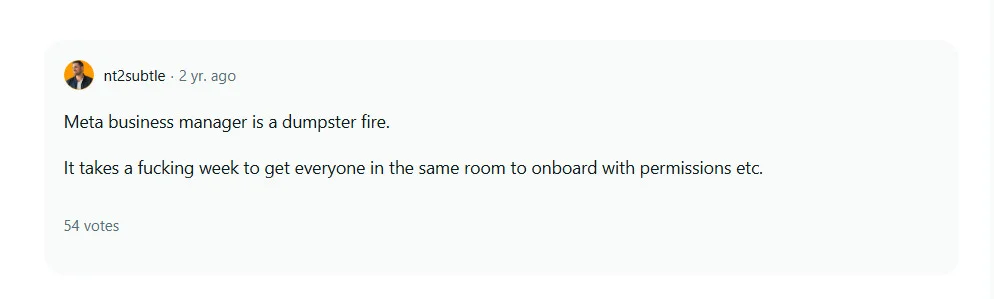
Enforcement is fast. Recovery is not. Campaigns go dark without warning. Reporting stops. The client’s Page goes quiet. The resolution timeline is entirely outside your control, and that conversation with the client cannot be scripted in advance.
This is the risk that sits inside every agency that has team members logging directly into client accounts.
The Root Cause: A Permission System Nobody Actually Uses
Meta’s Business Manager has a proper solution for this. Partner access, role-based permissions, credential-free asset sharing. The architecture exists to let agencies manage client accounts without shared passwords.
The problem is that almost nobody uses it.
In the same r/marketing thread, another user explains why
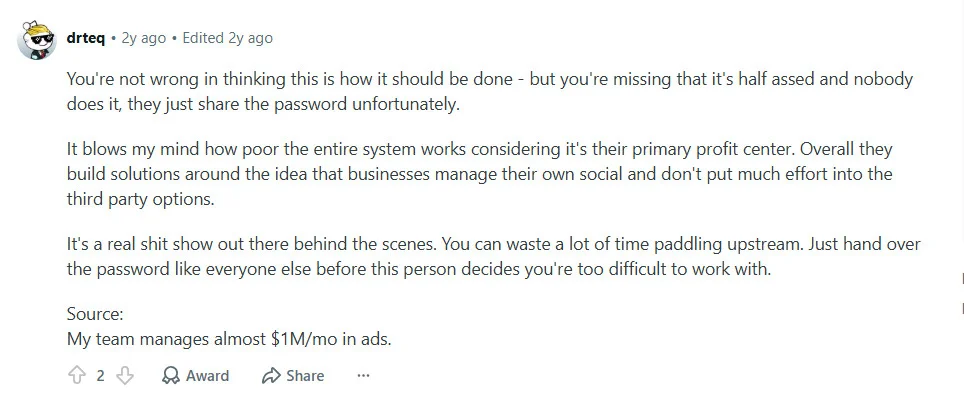
That’s not cynicism. That’s an operational reality. The permission system requires navigating multiple layers of non-obvious settings, matching permission levels to specific assets, and getting an entire team through the onboarding flow before anyone can do any work.
During a client’s onboarding sprint, sharing the password takes thirty seconds. Proper Partner access takes a week. Agencies take the path that works immediately, and in doing so, create the exact credential-sharing pattern Meta’s system flags.
The workaround is the problem.
The Fix: Take Your Team Out of Meta’s Detection Layer
No login events mean no pattern to flag. That’s the entire mechanism.
Social media publishing tools that connect to Meta via OAuth don’t log your team into Meta. They connect to Meta once, through Meta’s official API authorization flow, and maintain that connection at the platform level. (Meta for Developers, 2026)
When content is published, Meta receives a request from one trusted, verified application. Your team is invisible to the detection system because they’re not in it.one trusted, verified application. Your team is invisible to the detection system because they’re not in it.
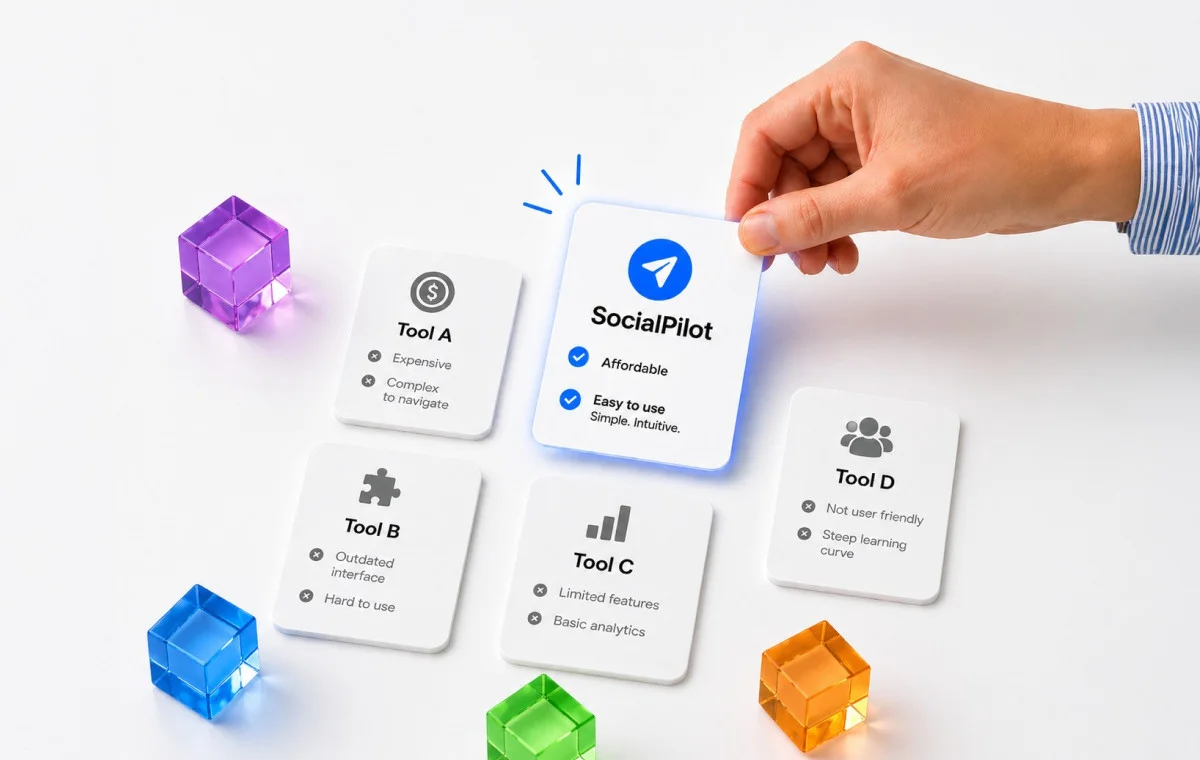
This is exactly how SocialPilot is built for agencies. Account managers work entirely inside the SocialPilot dashboard: scheduling posts, managing client approvals, pulling analytics, without ever opening Meta Business Suite. The connection is established once and owned by the platform. From Meta’s perspective, one consistent authorized source is managing the account, regardless of how many people are doing the work behind it.
Here’s how it splits in practice:
| Task | Where It Happens |
| Post scheduling and publishing | SocialPilot: no Meta login required |
| Content calendar management | SocialPilot content calendar: no Meta login required |
| Client content approvals | SocialPilot: client approves inside the platform |
| Analytics and reporting | SocialPilot: no Meta login required |
| Ad campaign setup | Meta Ads Manager: Partner access, one designated person |
| Pixel and audience setup | Meta Business Manager: Partner access, not shared credentials |
| Page settings | Meta Business Manager: one designated admin |
The daily work that creates login events, scheduling, approvals, and reporting, runs entirely through the platform. The narrow set of tasks that genuinely require Business Manager access happens through proper Partner access, with one designated person, not a shared password circulating across the team.
The workflow becomes structurally sound instead of structurally risky.
What to Do Right Now
Step 1: Audit credential access. List every team member with direct password access to a client’s Facebook account or Business Manager. Every name on that list is an active risk.
Step 2: Set up Partner access for tasks that require it. Ad management, pixel setup, Page settings: one designated admin per Business Manager, proper Partner access, no shared passwords.
Step 3: Connect publishing via OAuth. SocialPilot connects to Meta through OAuth. After that, your team publishes entirely through the API, from inside the dashboard. Nobody on your team logs into Meta. Buffer, Hootsuite, and Sprout Social work the same way. No credentials shared, no login events, no pattern for Meta’s system to act on.
Step 4: Revoke the shared passwords. Once publishing and approvals run through the platform, the team doesn’t need direct access. Remove it. The exposure closes immediately.
This is a workflow change. It takes a week to implement. The risk it removes is the kind that ends client relationships when it materializes.
Meta Isn’t Going to Fix This
Meta’s system is working correctly. It’s doing exactly what it was built to do.
It was just never built with your agency in mind.
The platform was designed for brands managing their own accounts: one team, one location, predictable behavior. Agencies came later, in volume, with workflows the permission system was never designed to support cleanly. That gap hasn’t closed, and there’s no indication it will.
The agencies that haven’t had a Business Manager restriction in years didn’t wait for Meta to build an exception for them. They stopped operating inside Meta’s detection layer altogether. Their team works. Meta sees one authorized application. There’s nothing to flag.
That’s not a workaround. That’s the only position that holds!



 Join 55,000+ social media managers


