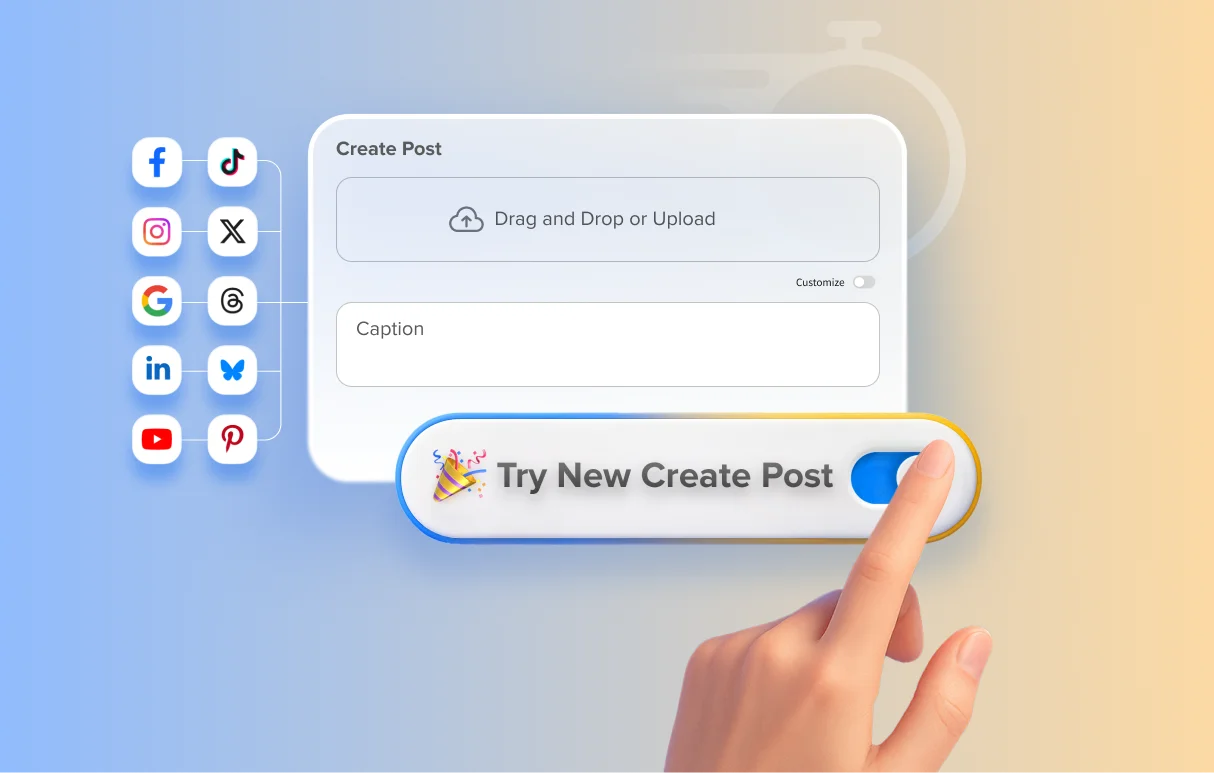
Create and publish posts faster from an intuitive workspace tailored for seamless multi-platform workflows.
The upgraded Create Post interface is built to simplify your workflow and help you move from ideation to publishing with far more clarity and speed.
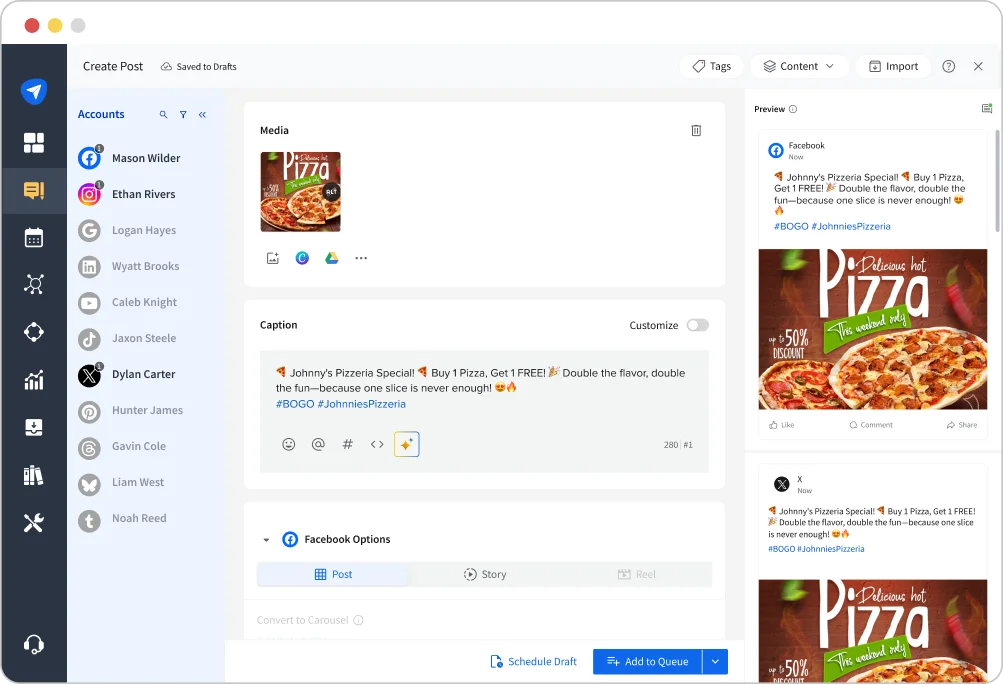
What’s New
- A Cleaner, Intuitive Workspace
The redesigned layout removes clutter, making post creation seamless for both new and experienced users. - Faster Multi-Platform Publishing
Platform-specific customization now appears in one scroll, eliminating the need to switch between tabs - Copy-Paste Support to Eliminate Rework
Allows users to copy and paste captions directly from original documents, streamlining content creation. - Dedicated Media Space
All media actions are centralized for easier uploads, reuse, and organization, saving time. - Auto-Save for Protected Progress
All the work progress gets saved automatically to prevent loss of work and the need to start again. - Smarter Mentions and Streamlined Caption Tools
Mentions carry forward from the original draft, and multi-platform mentions can be added at once. - Organized Account Selection
Accounts are listed in a clean A–Z view, and previews load only when needed to maintain a smooth workspace. - Clear, Contextual Error Handling
A dedicated error panel offers clear, actionable guidance, helping users resolve issues quickly. - Consistent UI Across Modules
The same design language is applied to Create Post, Edit Post, and Library to ensure a cohesive user experience.
Experience a Faster, Frictionless Way to Publish
You’ll now see an option to switch to the all-new Create Post experience inside SocialPilot. You can switch anytime and explore a workspace designed to save you time and make publishing feel effortless.
If you need guidance, you can refer to the help documentation or reach out to our support team.