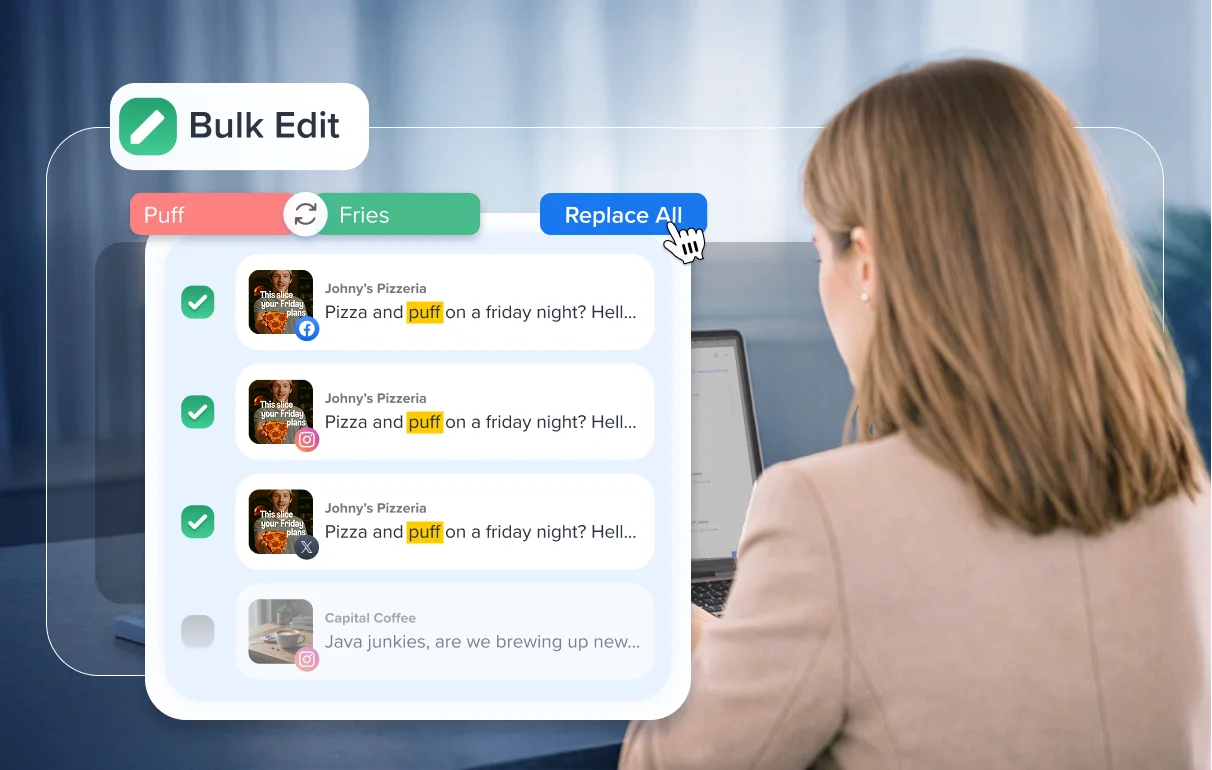
Edit multiple scheduled posts at once to quickly correct captions, links, media, or timings before publishing.
Managing content across multiple clients or campaigns often means making quick adjustments right before posts go live.
Editing each post individually slows teams down and increases the risk of missing something.
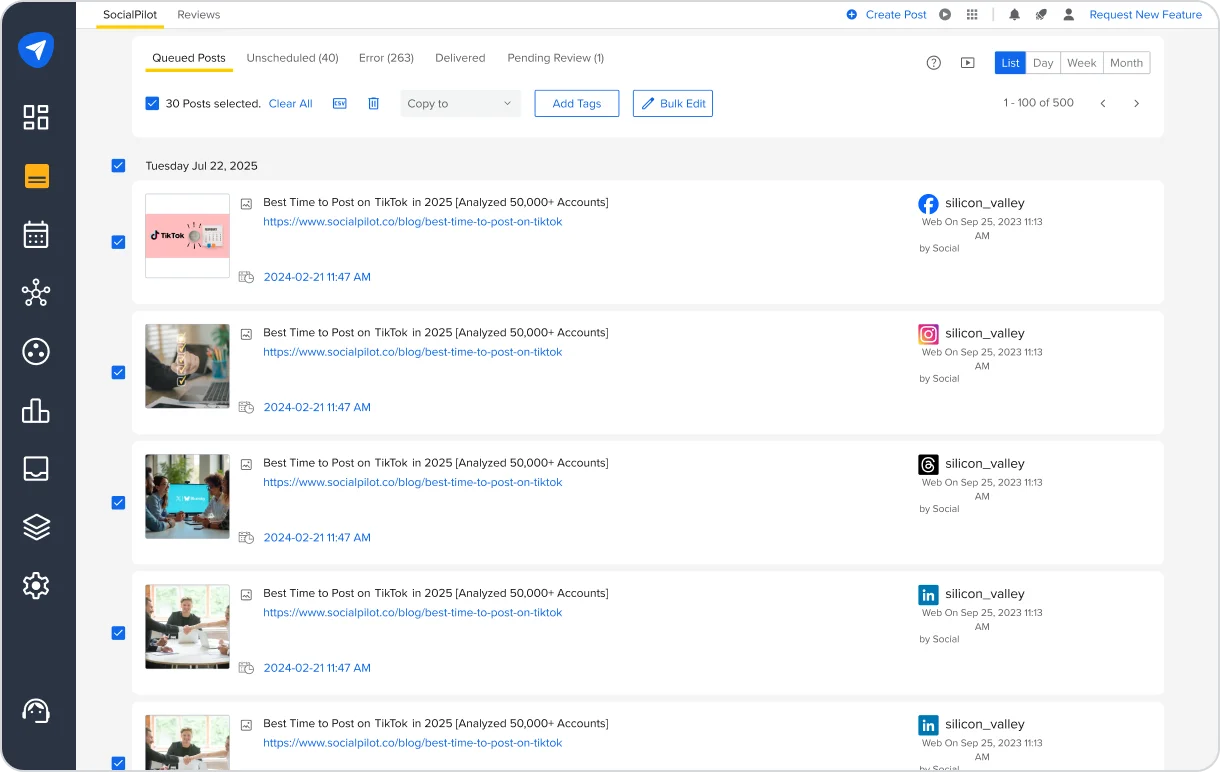
Bulk Edit in Manage Posts solves this by letting you edit up to 30 scheduled posts together in a single workspace, so last-minute changes can be handled quickly without repetitive work.
Simplifying Scheduled Post Changes at Scale
Bulk Edit brings selected scheduled posts into one editing workspace, making it easier to review and adjust multiple posts together instead of opening each one separately.
This helps teams move faster when campaign details change or when corrections are needed just before publishing.
- Apply Changes Across Posts in One Flow
Edit captions, update links, or adjust media across selected posts within the same editing view, with platform validations and character limits visible as you work. - Fix Errors and Update Campaign Details Faster
Use Find and Replace to correct typos, swap hashtags, or update URLs across multiple posts instantly. Advanced search options like Match Case, Whole Words, and Link Search help apply updates precisely where needed. - Adjust Publishing Schedules Instantly
When plans change, reschedule all selected posts together using a shared calendar.This helps teams react quickly to approval delays, campaign changes, or timing adjustments without editing posts individually.
- Fine-Tune Individual Posts When Needed
Make individual captions or media updates without leaving the bulk workflow when specific posts need extra attention.
Built for High-Volume Publishing Workflows
Bulk Edit helps teams manage scheduled post changes at scale by enabling:
- Faster corrections when last-minute changes appear.
- Less repetitive editing across multiple scheduled posts.
- More consistent content across accounts and campaigns.
- A smoother workflow for managing large volumes of scheduled posts
It also works with existing permission controls, ensuring users only edit posts they have access to.
Fewer Repetitive Edits, Faster Updates
As publishing scales across clients, campaigns, and accounts, small changes shouldn’t create unnecessary effort.
Bulk Edit keeps those corrections simple by letting you edit multiple scheduled posts together in seconds.
You’ll find it in Manage Posts, ready whenever last-minute changes need a quick fix.
For setup guidance, refer to the help documentation or reach out to the support team.