
Identify customer concerns across locations and improve their experiences by downloading detailed Feedback Form responses as a CSV.
Feedback Forms show businesses what customers value, what shapes their experience, and where improvements may be needed.
Finding those patterns becomes harder when responses are spread across locations or forms. SocialPilot Reviews brings them together in structured CSV exports that are ready to compare, share, and use outside the app.
Compare Feedback Across Locations
A single response can draw attention to a concern. When the same issue appears across multiple responses or locations, it may point to a wider customer experience or operational problem.
CSV exports make those patterns easier to examine:
- Compare responses from selected locations in a single export.
- Review answers clearly, with every Feedback Form question in its own column.
- Focus on relevant responses with current filters applied automatically.
- Include completed and partial responses for a fuller view.
With responses organized in one structured format, businesses can identify recurring concerns, compare customer experiences, and see where further attention may be needed.
Share Feedback With the Right People
Customer feedback often needs to reach people beyond those working directly inside SocialPilot Reviews.
CSV exports make that handoff simpler:
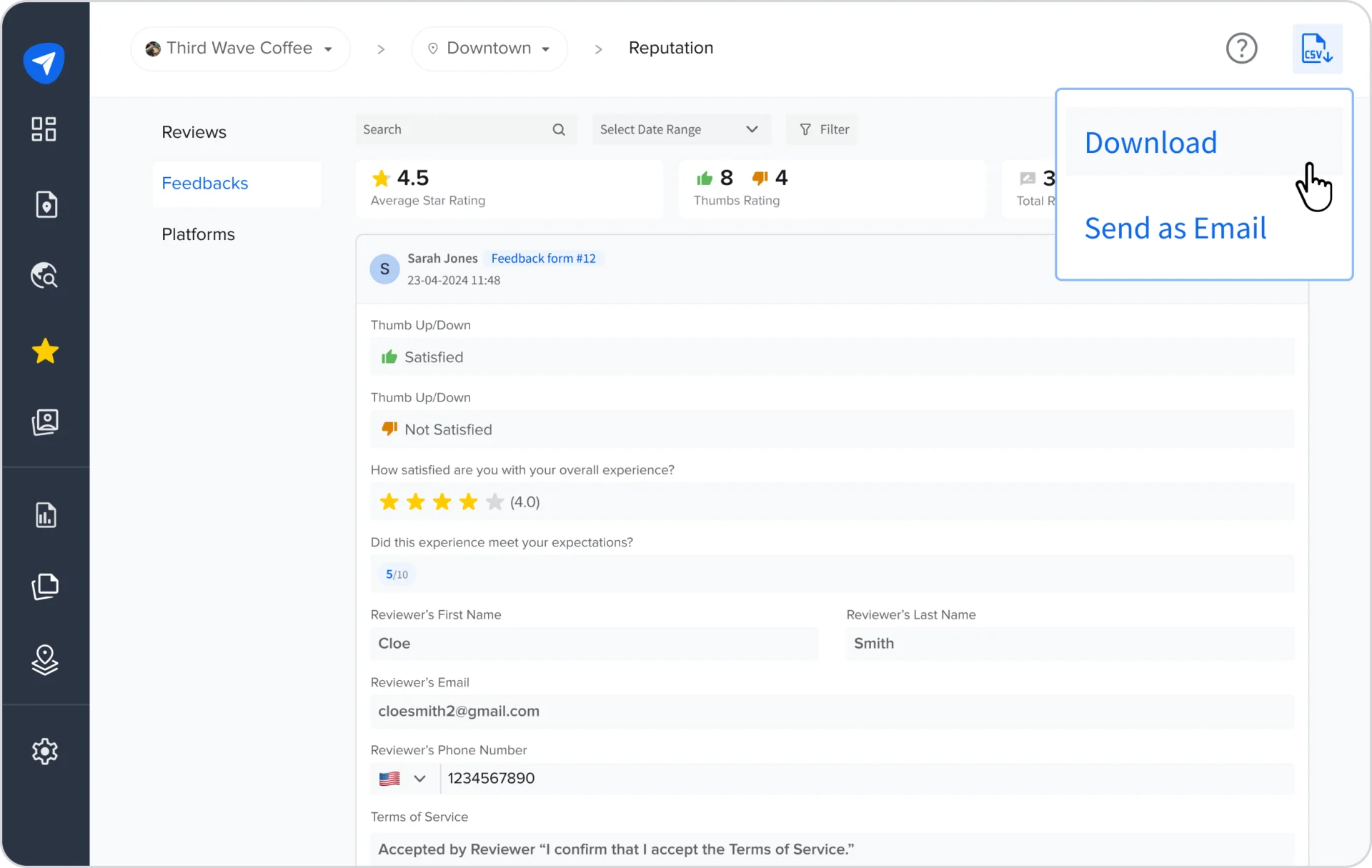
- Share reports by downloading them directly or emailing multiple recipients.
- Keep responses organized with a separate CSV for each Feedback Form.
- Download multiple CSV files together in a single ZIP.
- Use exported responses in spreadsheets, reports, reviews, and business discussions.
This makes relevant feedback easier to share and bring into the decisions it should influence.
Keep Historical Feedback Useful
Feedback Forms often change as businesses add new questions, remove older ones, or refine what they ask customers.
CSV exports preserve that historical context. Active questions appear first, while deleted questions remain clearly labeled alongside the answers previously collected. Responses from deleted forms also remain available for export.
This keeps older feedback understandable and useful, even as Feedback Forms evolve.
Turn Recurring Feedback Into Business Improvements
Recurring patterns give businesses clearer direction for training, service improvements, and operational decisions. Positive feedback also reveals which experiences customers value and expect across locations.
Bringing both into everyday decisions helps create more consistent customer experiences, encourage stronger reviews, and build a healthier reputation.
Explore the Help Documentation for complete feature details, or contact the SocialPilot support team with any questions.