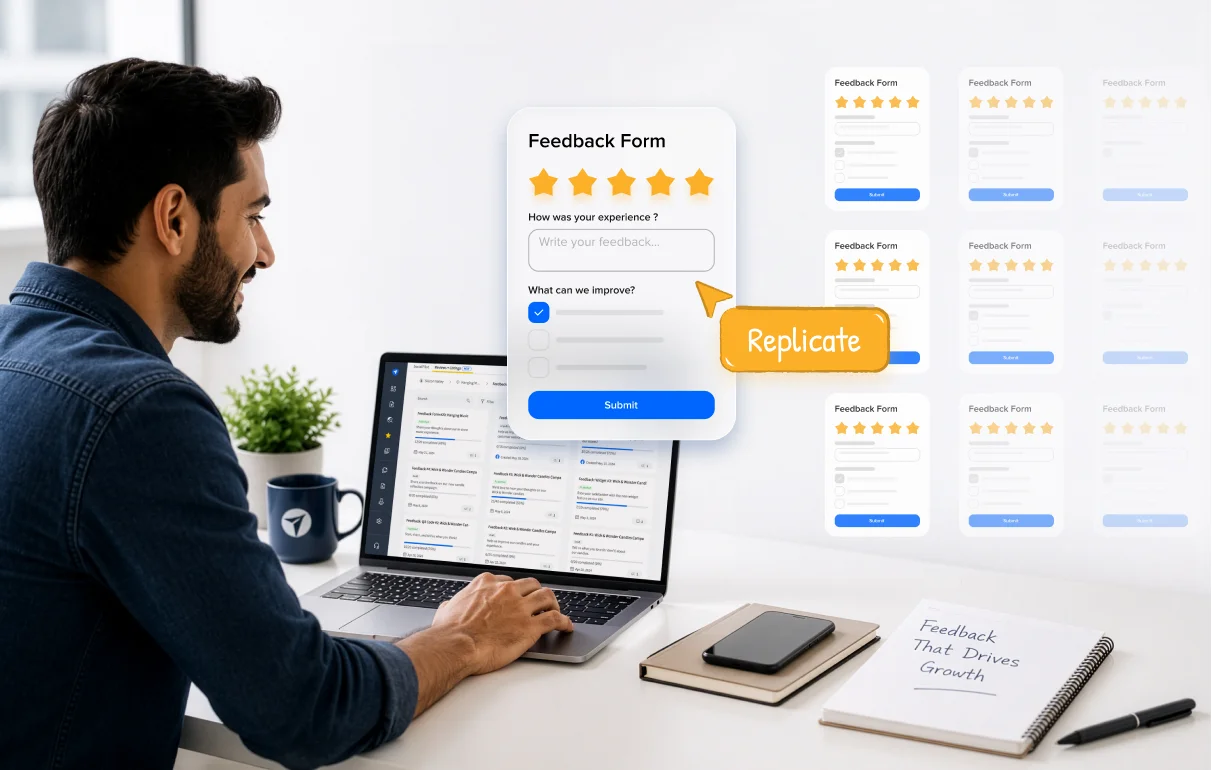
Use Feedback Form Templates to instantly roll out your best form setup to every new location, keeping launches fast and experiences consistent as you scale.
Agencies and multi-location brands set up feedback forms repeatedly. When a configuration works well, rebuilding it for every new client or location adds effort that compounds as accounts grow.
Feedback Form Templates in SocialPilot Reviews let teams carry a proven setup across every new form, with the questions, structure, and review link configuration already in place.
From a Single Setup to Every Location
Saving a form as a template takes one step from the edit view. Once saved, it is available from any form creation flow in the account: the Create Form modal, Edit Form toolbar, Template Library, or Template Preview.
- Save any completed form as a template, with questions, start page content, review link setup, and conditional visibility settings included.
- Save at the All Brands level to give every team member access from across the workspace.
- Use Brand Defaults mode so the header and footer adapt to each brand’s configured settings when the template is applied.
- Once applied, the form is fully independent. Edits to the form do not affect the source template, and future template changes do not carry over to forms already created.
![Creating Feedback Form Templates in SocialPilot Reviews]](https://www.socialpilot.co/wp-content/uploads/2026/06/Creating-Feedback-Form-Templates-in-SocialPilot-Reviews.webp "Creating Feedback Form Templates in SocialPilot Reviews]")
The Same Standard, Regardless of Who Builds It
When templates are stored at the brand or workspace level, every location starts from the same form structure, with questions, review link setup, and conditional logic all in place. The quality of the setup no longer depends on who created it or when.
- New team members can launch forms from a proven setup without needing to know what goes into each field.
- Form quality is built into the creation process, not something that needs to be checked or corrected after the fact.
Built For Every Scenario
Agencies managing multiple clients benefit most from workspace-level access. Save one template at the All Brands level and every team member works from the same starting point, with no extra coordination needed.
Multi-location brands can add new locations without updating the template each time. Brand Defaults resolves the header and footer to each brand’s configured settings at the point of application, so the setup stays accurate as the account grows.
Growing SMBs with a form they are happy with can save it once and use it as the starting point for any future location, then customize from there without affecting the original.
Set Up Once and Scale From There
As location counts and account numbers grow, the work behind setting up feedback forms stays the same. Form Templates are available in the brand-level view in SocialPilot Reviews. Go to Sidebar > Library > Form Templates to get started.
More capabilities to manage and scale feedback form operations are on the way. If you need help getting started, refer to the help documentation or reach out to the support team.