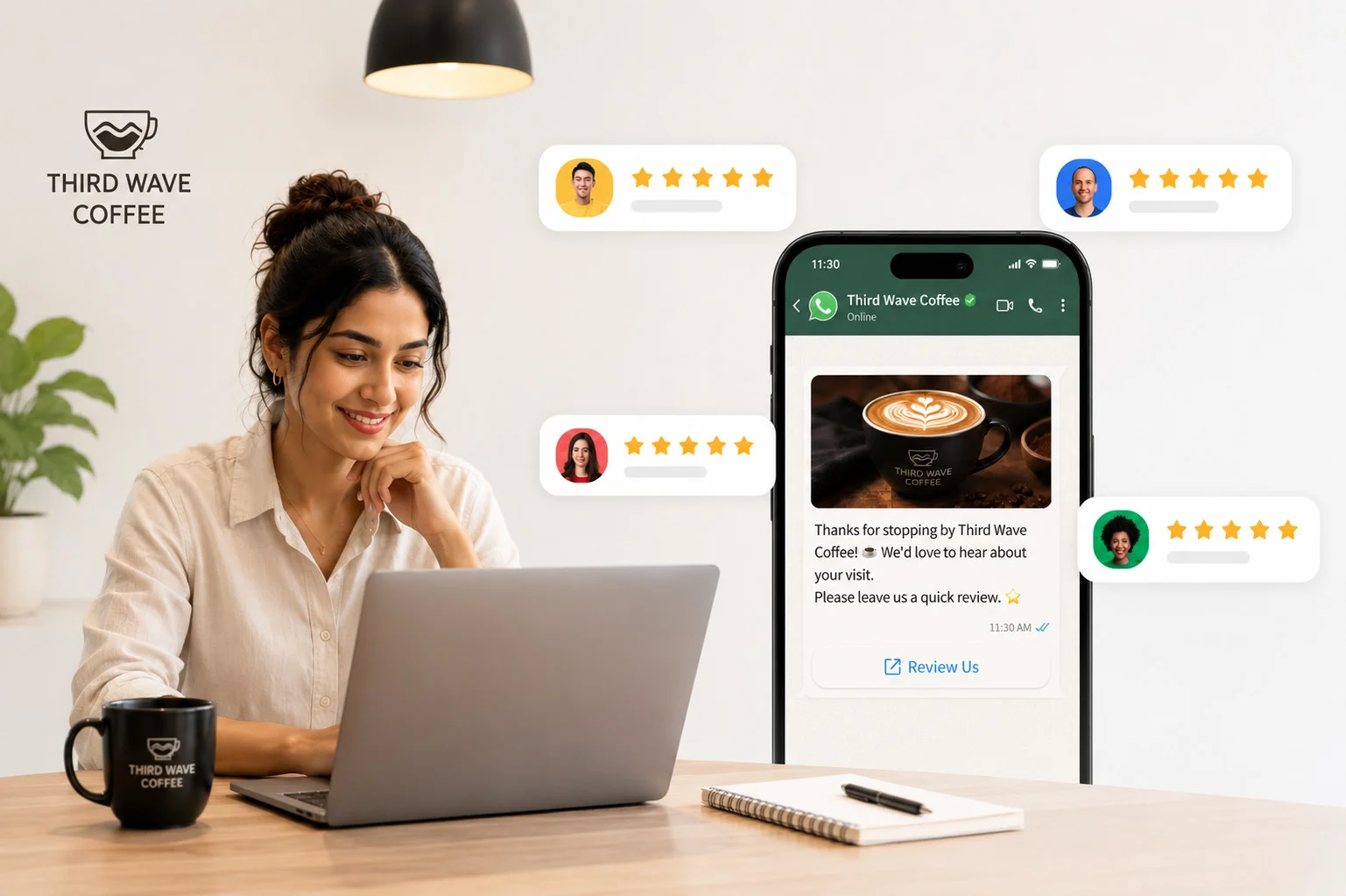
Reach customers on the platform they trust most and turn more requests into 5-star reviews that strengthen your online presence.
Most businesses already run review requests over Email and Text, sequenced, automated, mostly hands-off. Even so, a real share of customers never respond, the message goes unopened, or it reads like one more notification easy to swipe past.
That gap doesn’t close by sending more email. It closes by reaching people somewhere they’re actually paying attention.
For most people today, that’s WhatsApp, the app they already use to talk to friends, family, and increasingly, the businesses they trust. SP Reviews now lets you send review requests there too, right alongside the Email and Text campaigns already running.
One More Channel, Inside the Same Campaign
- Connect a WhatsApp Business account to any brand from Settings, then Integrations, or directly from a campaign workflow, one connection per brand.
- Add WhatsApp to a campaign the same way Email or Text is added today, no separate tool, no new system to learn.
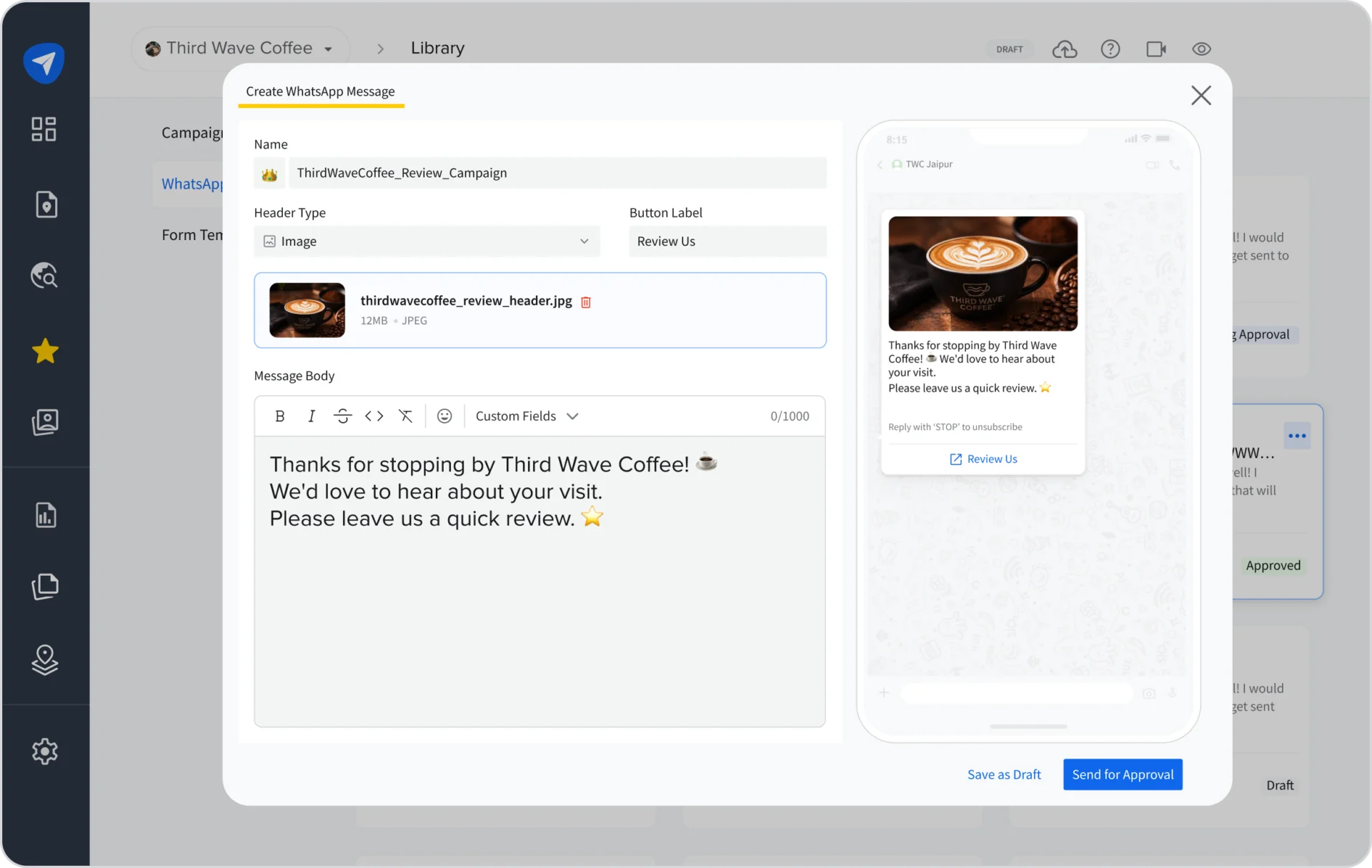
- Submit each message for Meta’s approval, Draft, then Pending, then Approved or Rejected, before it can go live, so only approved messaging ever reaches a customer.
Requests That Read Like They’re Actually From You
- Personalize the name, brand, and location in each message automatically, so it reads like it came from the business, not a mass blast.
- Preview exactly what a customer will see before a message goes live.
- Pick from an existing library of approved messages instead of building a new one for every campaign.
Built to Keep Working, Even When Something Breaks
- Pause a campaign automatically if a WhatsApp connection disconnects, with the account owner or admin notified in-app and by email, so nothing sends into a broken connection.
- Resume campaigns automatically once the connection is fixed.
- Manage sender info for WhatsApp in the same shared panel already used for Email and Text, one place for all of it.
Why This Actually Moves the Needle
A global, Meta-commissioned Kantar survey of over 11,000 adults across 22 markets found 73% prefer messaging a business over other contact methods, and 75% want to message businesses the way they message friends and family (Meta, 2025).
More requests getting a genuinely fair look, instead of being dismissed as unfamiliar, is what actually grows the review count. That’s what helps a business get found and chosen over competitors with fewer or older reviews.
Set Up Once, and It’s Part of Every Campaign From Here
Add WhatsApp to your next campaign from Settings, then Integrations, and it’s ready to run alongside whatever’s already scheduled over Email and Text.
If you run into anything setting it up, go through the Help Documentation or you can always talk to the support team if you need a hand.